Cross Stitch PDF Patterns: Complete Guide to Digital Downloads


Cross stitch PDF patterns are downloadable digital charts that let you start stitching immediately without waiting for a physical kit to arrive. You get a file you can print at home, zoom in on your screen, or save for later. No shipping. No waiting. Just open, print, and stab fabric beautifully.
In this article
- What Are Cross Stitch PDF Patterns?
- Why Choose PDF Patterns Over Physical Kits?
- What to Look for in a Quality Cross Stitch PDF Pattern
- How to Use a Cross Stitch PDF Pattern
- Design Trends in Cross Stitch PDFs (2026)
- Free vs. Paid Cross Stitch PDF Patterns
- Where to Find Quality Cross Stitch PDF Patterns
- Common Mistakes to Avoid
- Maximizing Your Digital Pattern Investment
- Making Your PDF Patterns Last
What Are Cross Stitch PDF Patterns?
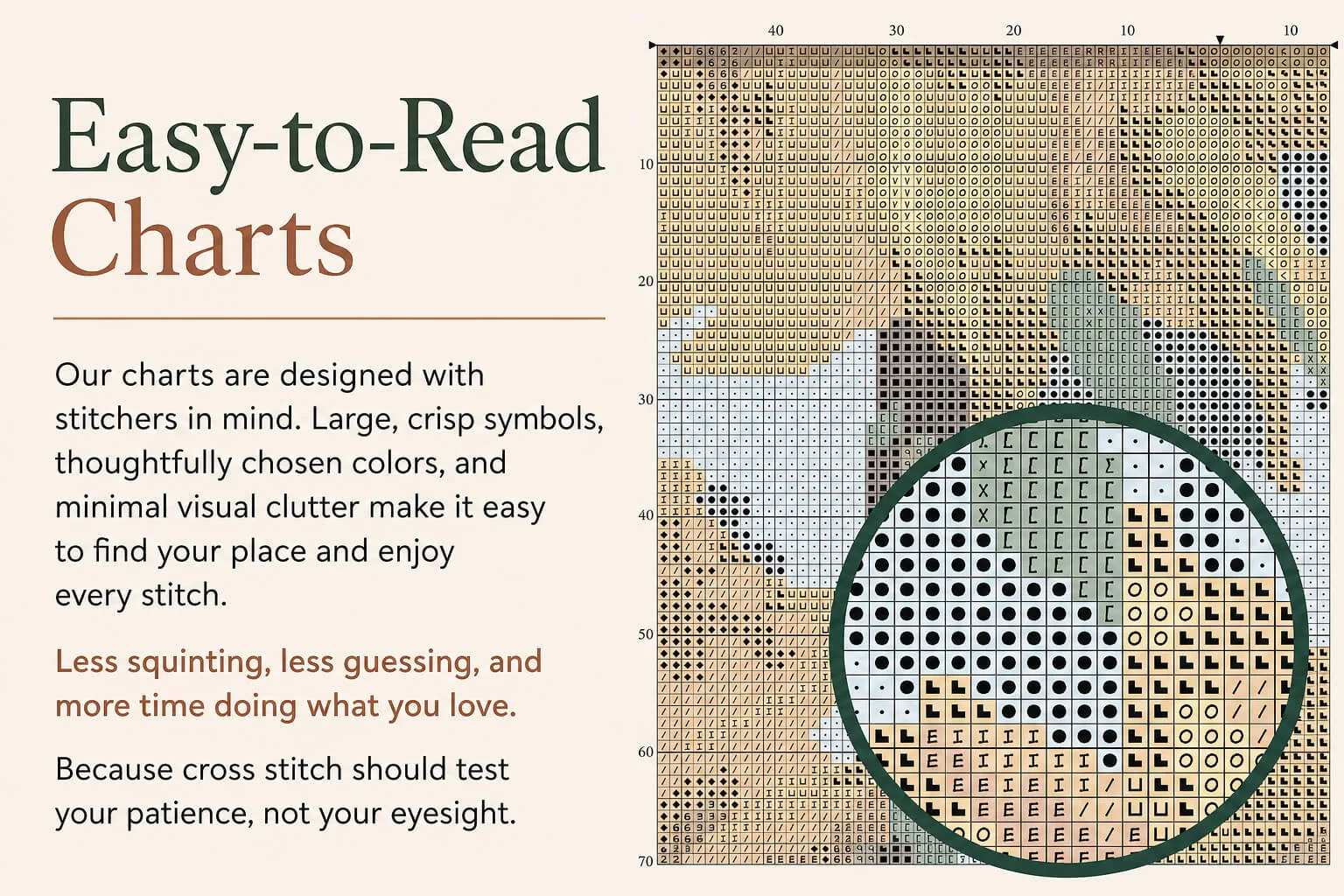
A cross stitch PDF pattern is a digital file containing a counted cross stitch chart. The chart shows you exactly where to place each stitch using a grid of symbols. Each symbol represents a different thread color.
Unlike physical printed patterns that arrive in a kit, PDFs are instant downloads. You own them forever once you buy them. Print them as many times as you want (for personal use), enlarge them if your eyesight needs help, or keep them digital and reference them on a tablet while you stitch.
Most modern PDFs include a color key, fabric recommendations, thread lists, and sometimes even stitching tips. The good ones are professionally formatted so the text doesn't blur when you zoom in and the grid lines stay crisp.
Why Choose PDF Patterns Over Physical Kits?
Speed is the obvious answer. You download, you print, you go. No waiting for shipping.
Cost is another huge factor. Digital patterns cost less to produce, so they're usually cheaper than full kits. You also skip shipping fees entirely.
Flexibility matters too. You're not locked into a specific fabric brand or floss color. Many stitchers buy their own supplies in bulk and mix and match. A PDF gives you that freedom.
Then there's the practical stuff: you can print multiple copies, share the file with a friend (depending on the creator's license), or keep backups. If you lose the paper version, you still have the digital file. No reprinting costs.
And honestly, some people just prefer the meditative, occasionally obsessive feeling of stitching from their phone or tablet propped nearby. Digital feels less cluttered on a craft table.
What to Look for in a Quality Cross Stitch PDF Pattern
Not all PDFs are created equal. A poorly designed pattern will frustrate you. Here's what separates the good ones from the meh ones.
Clear, easy-to-read symbols. Symbols should be distinct and large enough that you don't mistake a dot for a plus sign. If you have to squint at a tiny print to see the difference, it's a bad chart.
Accurate color key. The color key should match the actual thread colors. Some creators use generic names; the best ones specify DMmer numbers or include hex color codes so you can match them exactly.
Page layout that makes sense. Grid lines should be spaced logically, usually every 10 stitches. Page breaks should fall at natural stopping points so you're not stitching across a page boundary where the chart doesn't line up.
Readable text. Font size matters. If the title and stitch count are in 6-point font, that's a sign of lazy design. Zoom in before you buy and check if small text stays crisp.
Professional formatting. A pattern designed by someone who actually stitches will include thoughtful touches: fabric count recommendations, suggested hoop sizes, estimated stitching time, and maybe even a beginner tip. These details show the creator cares.
Multiple pages clearly marked. If the pattern spans 5 pages, each page should be numbered and labeled (like "Chart 1 of 5"). This prevents confusion when printing.
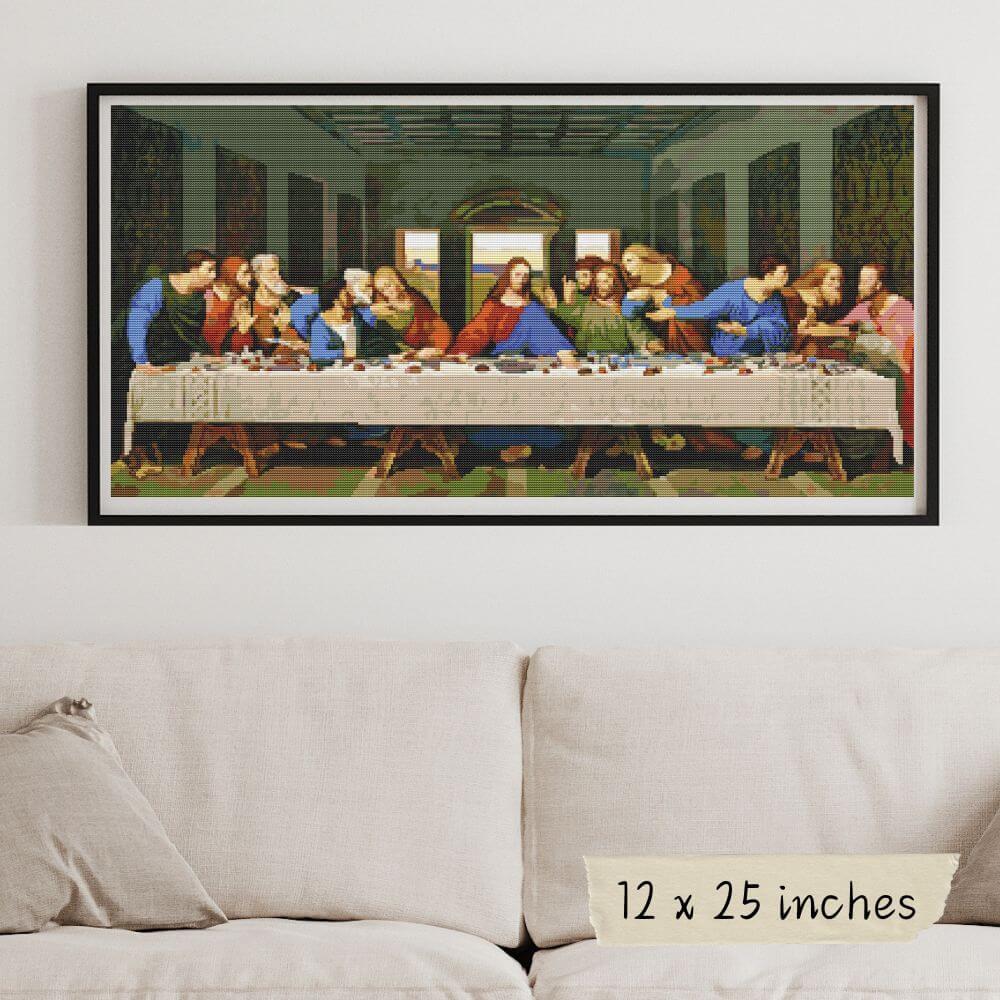
When you're browsing patterns at famous painting cross stitch kits, you can usually see a preview of the first page or a zoomed-in section of the chart. That's your chance to check the symbol clarity and overall design quality before you commit.
How to Use a Cross Stitch PDF Pattern
Once you've downloaded your PDF, here's the basic workflow.
Step 1: Decide how to reference it. Print it out, or keep it digital. Some stitchers print one copy and tape it into a binder for reference. Others print a second copy and mark off completed sections with a highlighter. Digital users zoom in on their tablet or phone and work section by section.
Step 2: Get your supplies ready. Check the color key and thread list. Gather all the floss colors you need, plus a needle, scissors, and your fabric. The pattern should tell you the recommended fabric count (usually 14-count Aida or 28-count linen for beginners).
Step 3: Find the center. Most patterns are marked with a center point. Fold your fabric in half both ways to find its center, then mark it lightly with a pencil or thread. This is where you'll start stitching, which ensures your design lands in the right spot.
Step 4: Begin stitching. Start at the center and work outward, or follow whatever method feels natural to you. Use the grid as your guide. Count carefully, especially in the first few rows.
Step 5: Cross-reference constantly. Check the pattern frequently. It's way easier to catch a mistake three stitches in than thirty stitches in. Trust me.
Design Trends in Cross Stitch PDFs (2026)
The cross stitch world has gotten seriously sophisticated. Gone are the days when every pattern looked like it belonged in a craft fair gift shop.
Modern PDFs prioritize clean layouts and intentional color choices. Designers are moving away from overly detailed, busy aesthetics and toward real artwork-inspired styles. Think museum-quality pieces, minimalist compositions, and contemporary art translated into thread.
Seasonal collections are huge right now. Fall designs feature acorns and amber tones. Spring brings robins and fresh greens. Winter offers cardinals and snow-inspired palettes. Monthly mini patterns are also trending, giving you a 12-month collection to stitch throughout the year.
Beginner-friendly patterns are more popular than ever, but they're not dumbed down. Creators are designing with accessible stitch counts and simpler color palettes while maintaining artistic integrity. You don't have to choose between "easy" and "beautiful" anymore.
Free vs. Paid Cross Stitch PDF Patterns
Free patterns exist and are totally legit. Major thread manufacturers like DMC offer free downloadable patterns to promote their floss. Various crafting blogs share free patterns too.
The trade-off? Free patterns are often simpler, smaller, or designed primarily to sell thread. They might have less detailed color keys or fewer formatting perks.
Paid patterns, especially from independent designers or established brands, usually offer more complexity, better design, professional formatting, and ongoing support. If a designer messes up a pattern, they'll often provide updates or corrections. That accountability is valuable.
Many stitchers buy both. Free patterns are great for testing techniques or stitching quick gift projects. Paid patterns are worth the investment when you want something special or challenging.
Where to Find Quality Cross Stitch PDF Patterns
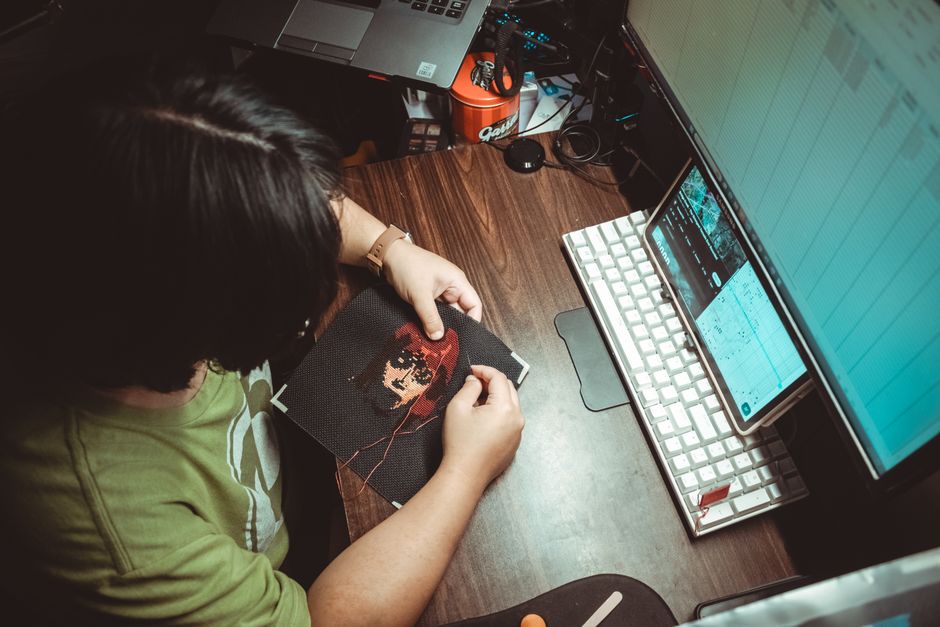
Your best bet is to start with established retailers and independent designers who specialize in cross stitch. Look for sites where the preview images show actual chart samples, not just the finished design.
Check customer reviews before buying. Real stitchers will mention if the symbols are confusing, if colors don't match, or if there are errors in the chart. Pay attention to those details.
Creator websites and Etsy shops dedicated to cross stitch are goldmines. Many independent designers build entire communities around their patterns. They respond to questions, provide corrections quickly, and often create seasonal collections or themed sets.
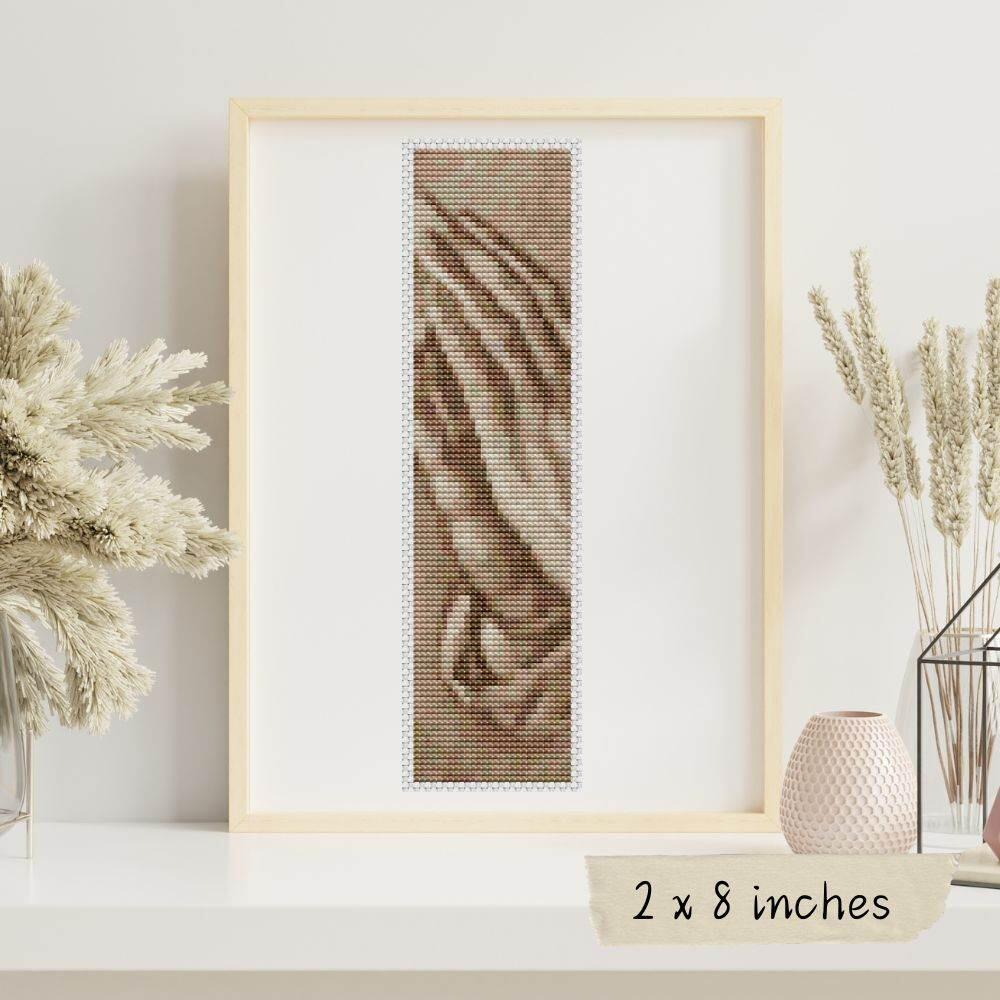
For artwork-inspired designs with serious attention to detail, cross stitch patterns creates patterns based on museum-quality masterpieces and modern art. Each design is hand-crafted to preserve the beauty of the original while staying enjoyable to stitch. Over 700 original designs means you'll find something that speaks to you, whether you're into classic paintings or contemporary vibes.
Common Mistakes to Avoid
Not checking the stitch count before you start. A pattern that's 200 x 300 stitches will take way longer than a 100 x 100. Know what you're signing up for.
Buying the wrong fabric count. A pattern designed for 14-count Aida will look completely different on 18-count or 11-count. Read the pattern specs first.
Skipping the color key.** Thread colors matter. A sloppy color key leads to wrong color choices and frustration. Verify Dmc numbers or check the hex codes if provided.
Starting from a corner instead of the center. This is the fastest way to run out of fabric space. Center-out is the pro move.
Not printing a second copy for marking. Marking off completed sections with a highlighter keeps you from losing your place. Totally worth it.
Maximizing Your Digital Pattern Investment
Once you own a PDF, get the most out of it.
Print multiple copies and stash them. Keep one clean master copy and one working copy you're okay marking up. Having backups is smart.
Enlarge sections of the chart when you're working on fine details. Some patterns are designed for you to print at 100% and also in enlarged sections. Check if your PDF has this feature.
Keep a digital folder organized by theme, artist, stitch count, or anything that makes sense to you. Tag them. Search them. Your future self will be grateful when you want to find that perfect autumn pattern.
Consider sharing patterns with other stitchers (check the creator's license first). Some allow personal sharing; others don't. Respect the creator's terms, but if it's allowed, sharing is a great way to build a stitching community.
Making Your PDF Patterns Last
Digital files don't degrade like paper, but they can get lost. Back them up to cloud storage. Store them in more than one place. Your pattern library is valuable, especially if you've invested in custom or hard-to-find designs.
Keep receipts or records of where you bought them, in case you need proof of ownership or want to contact the creator with questions.
Stay organized. A chaotic pattern folder defeats the purpose of having instant access. Spend 10 minutes organizing now and save yourself hours of frustrated searching later.
Are PDF patterns as good as printed patterns?
They're different, not better or worse. PDFs are instant, customizable, and eco-friendly. Printed patterns have a tactile appeal and don't require ink or printing. Many stitchers use both. The best choice depends on your workflow and preferences.
Can I share my downloaded PDF with a friend?
Check the creator's license terms first. Some allow personal sharing; others don't. Most independent designers and brands are cool with you sharing with immediate family or a close stitching friend, but commercial redistribution is off-limits. Always respect the creator's terms.
What fabric count should a beginner use with PDF patterns?
Start with 14-count Aida cloth. It's beginner-friendly, forgiving, and stitches up quickly. Check your pattern to see what's recommended, but most beginner patterns are designed for 14-count. Once you're comfortable, try 16-count, 18-count, or linen for more detailed work.
How do I enlarge a PDF pattern if it's too small to read?
Print at a larger percentage (150% or 200%) if you want a bigger physical copy. If you're working digitally, zoom in on your screen as much as you need. Some creators provide pre-enlarged chart sections specifically for this. Check your pattern details before buying.